The purpose of this document is to describe the steps to install a simple Linux server for the purpose of hosting some type of utility application. For example, Exium or Sentinel SEIM Ingestion. While the steps to install utility software are normally quite in depth, the prerequisite of having the Linux Server installed is typically left to a 1 liner.
- Download the ISO, we'll use Ubuntu Server 24.04.4
- Create a VM with proper resource allocated. See the hosted application specs but for demonstration we're use
- Gen 1 Machine Option
- 2-4 CPUs
- 4-8 GB RAM
- 120 GB Drive
- LAN Network
- Attach the ISO to the VM and start the VM
- Follow the installation steps
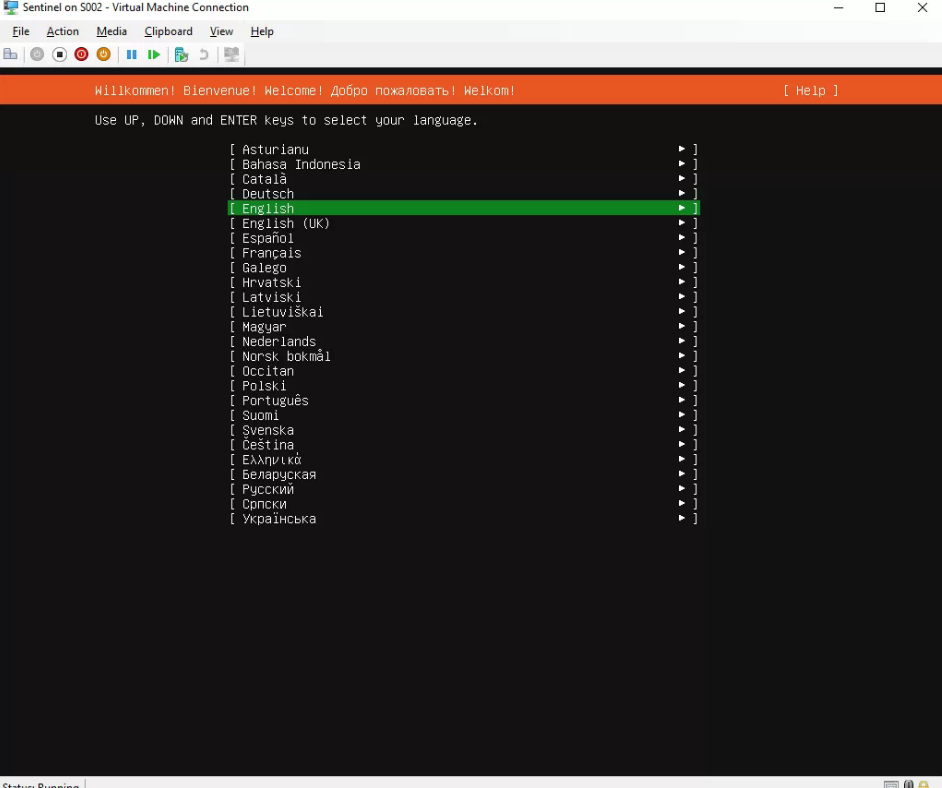
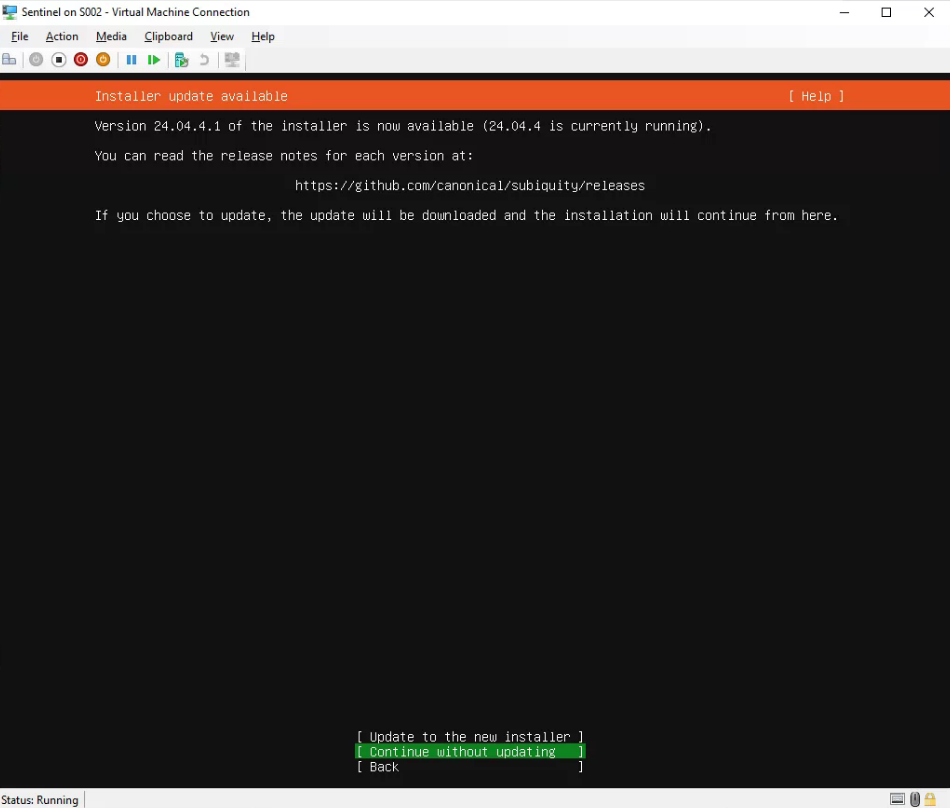
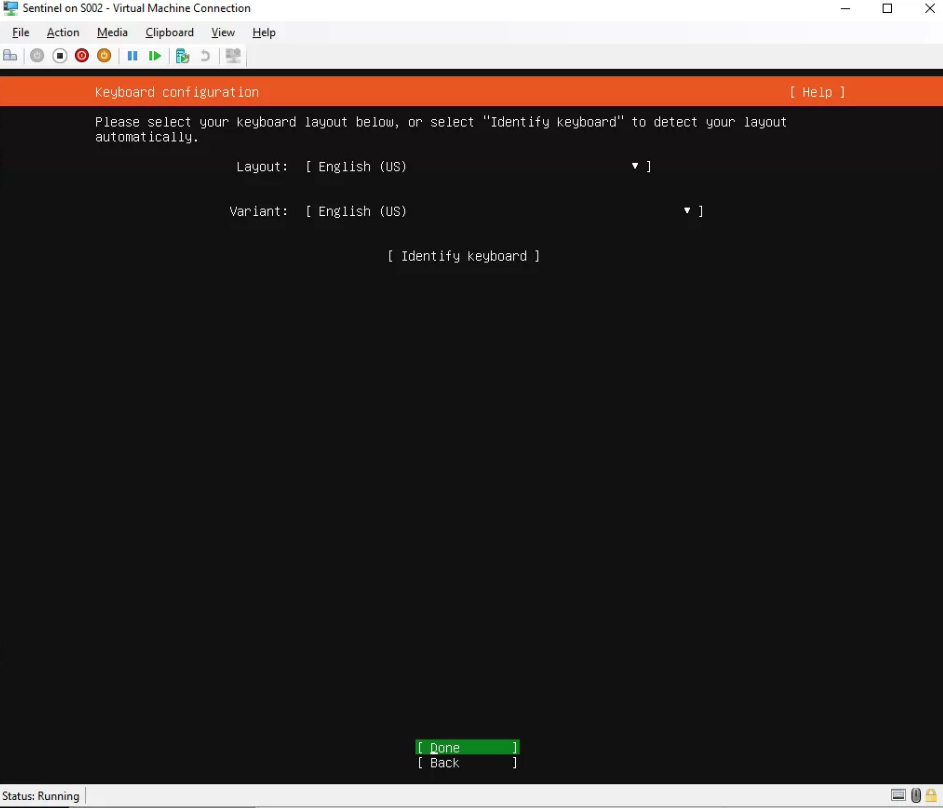
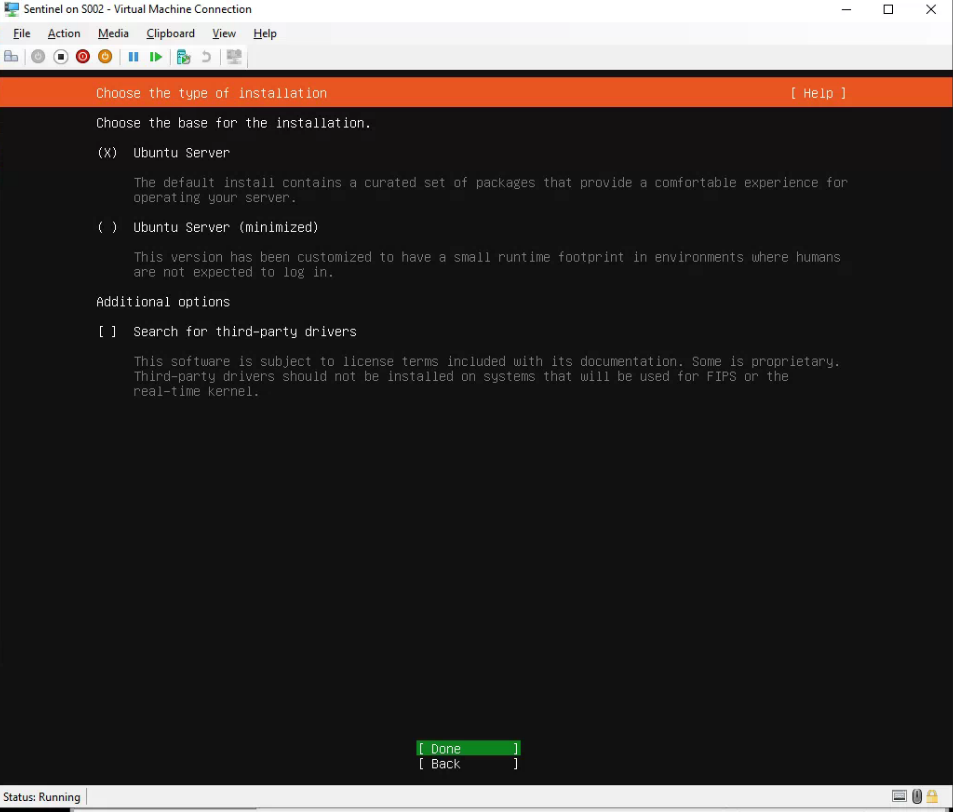
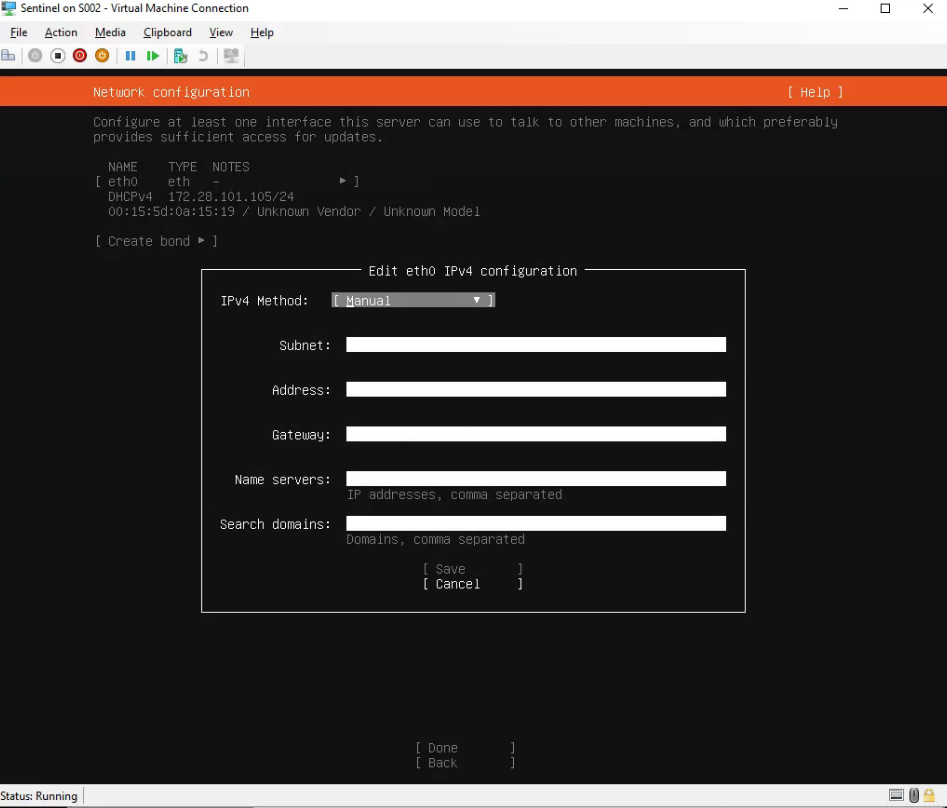
- IF YOU ARE SETTING A STATIC I HIGHLY RECOMEND DOING IT DURING SETUP
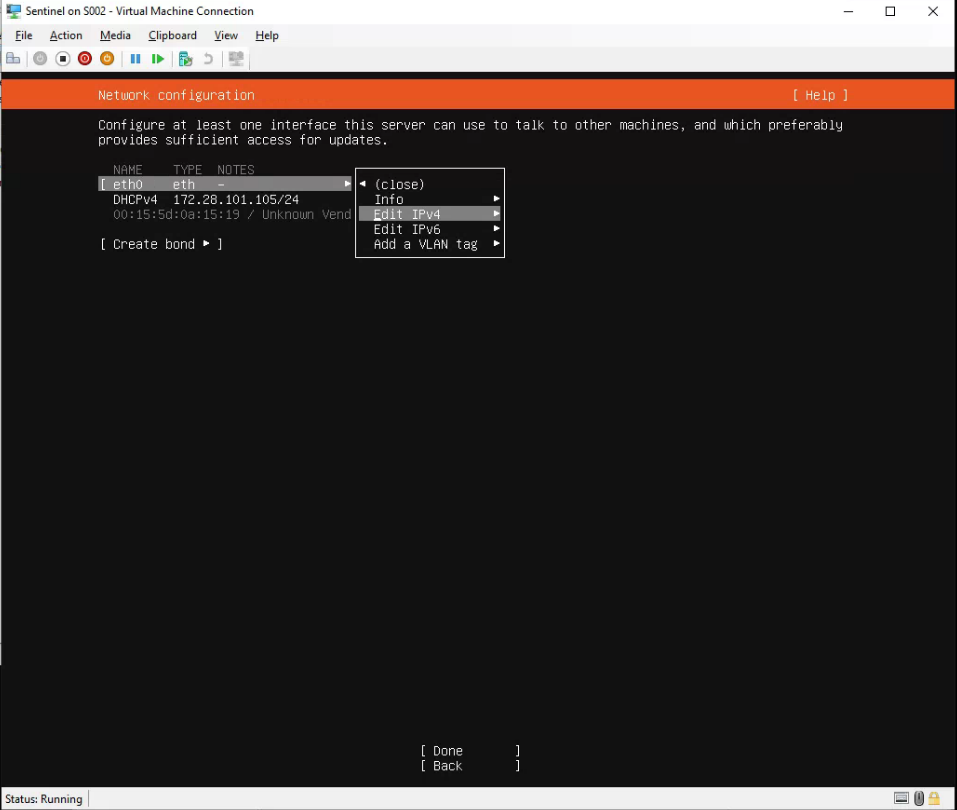
- Enter settings, hit save and then done for the next step
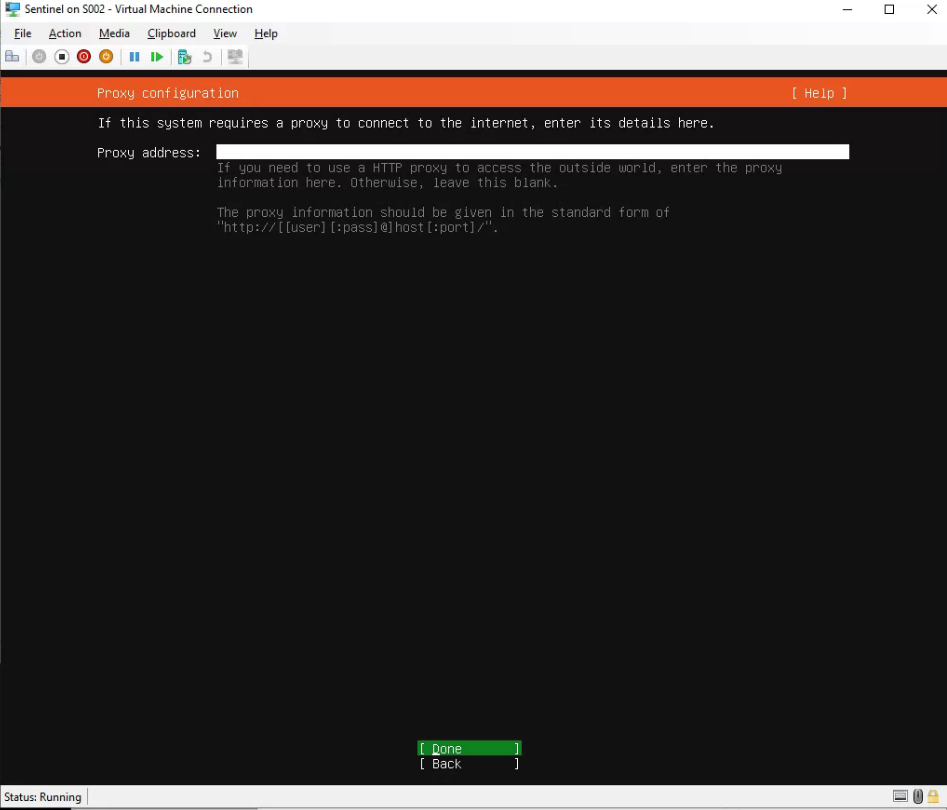
- Proxy if needed
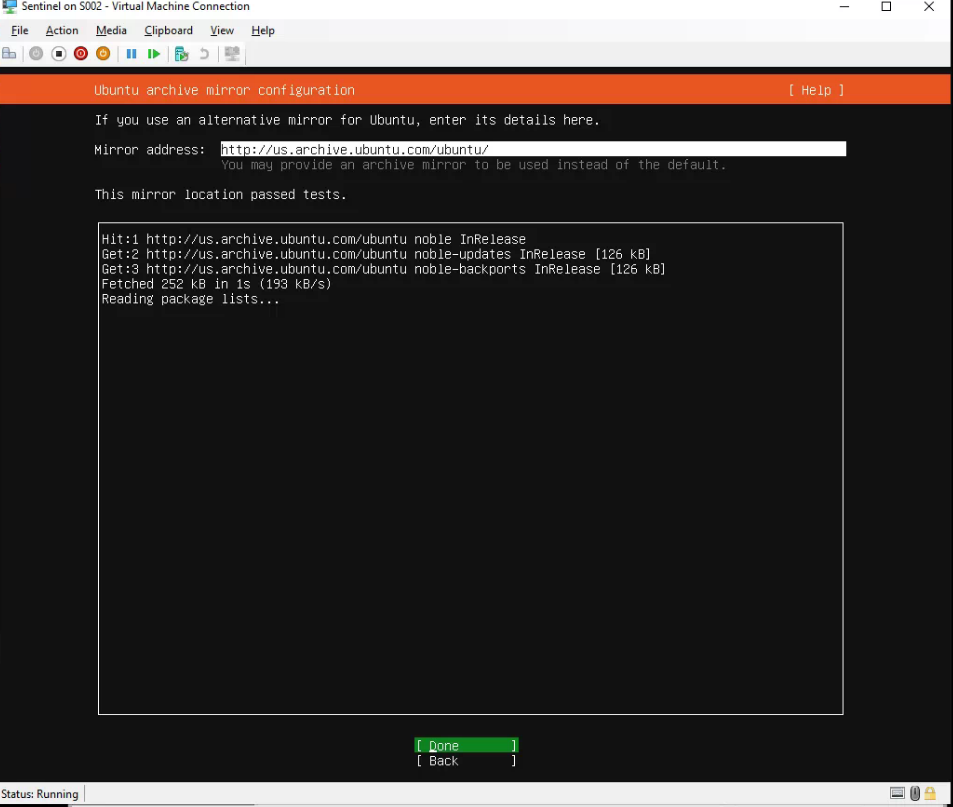
- Make sure "Entire Disk" is set
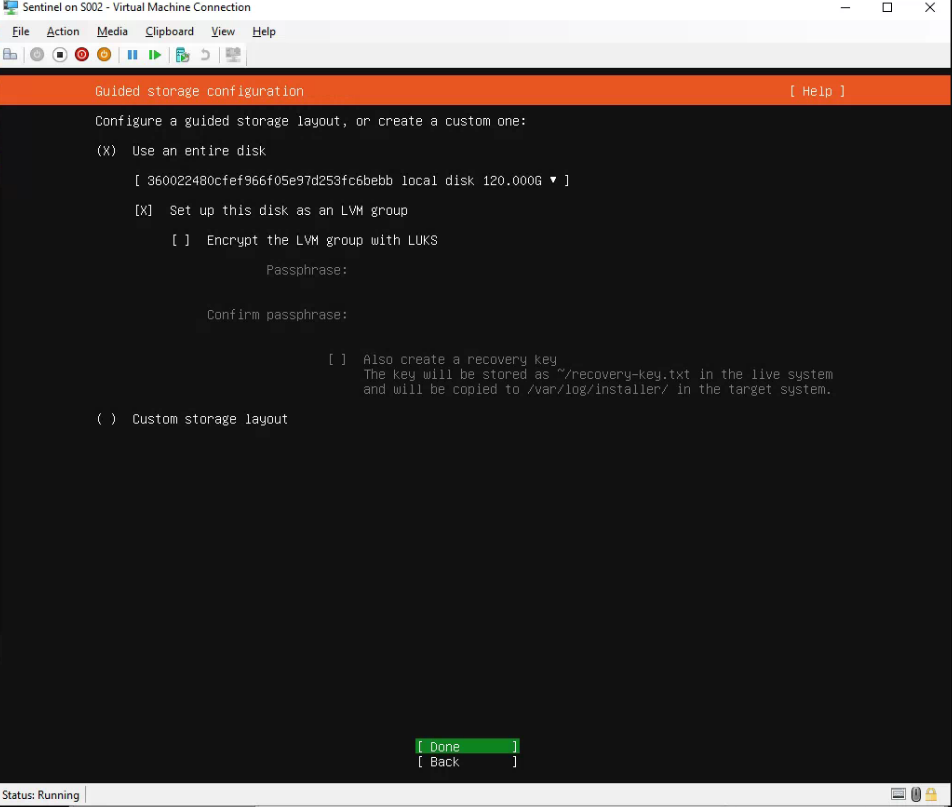
- Hit done then continue
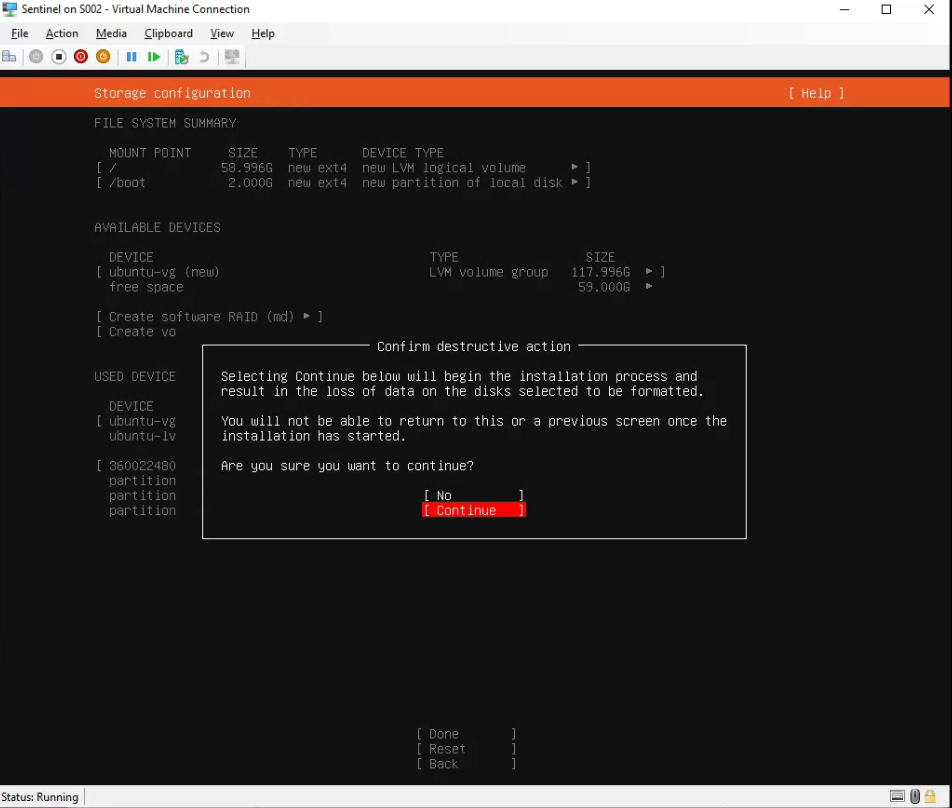
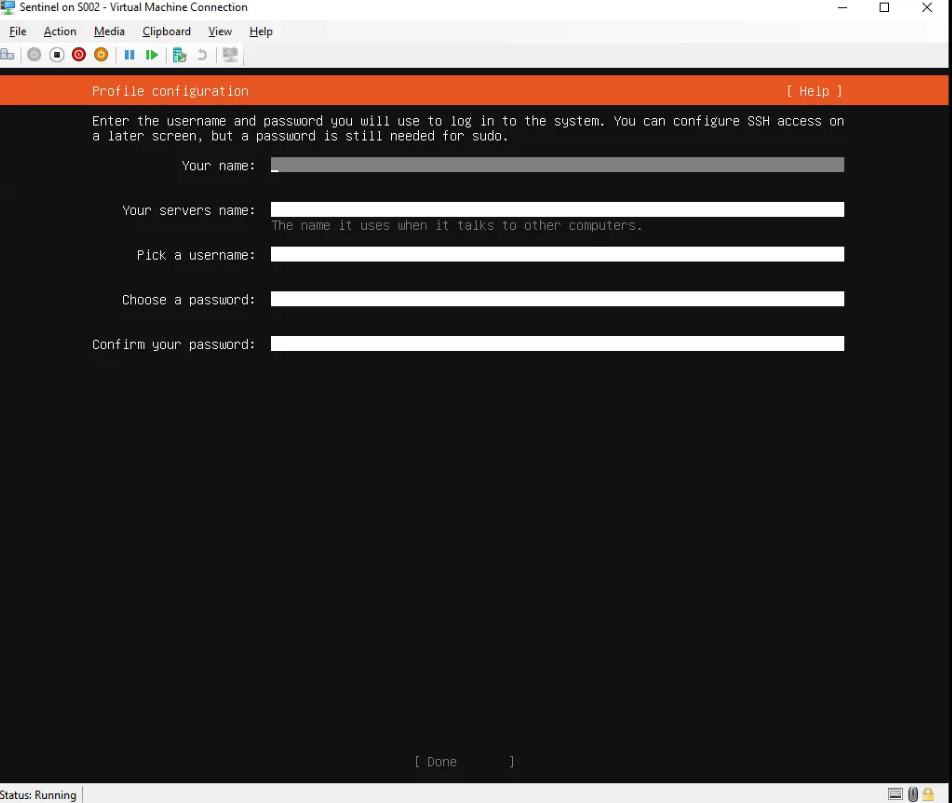
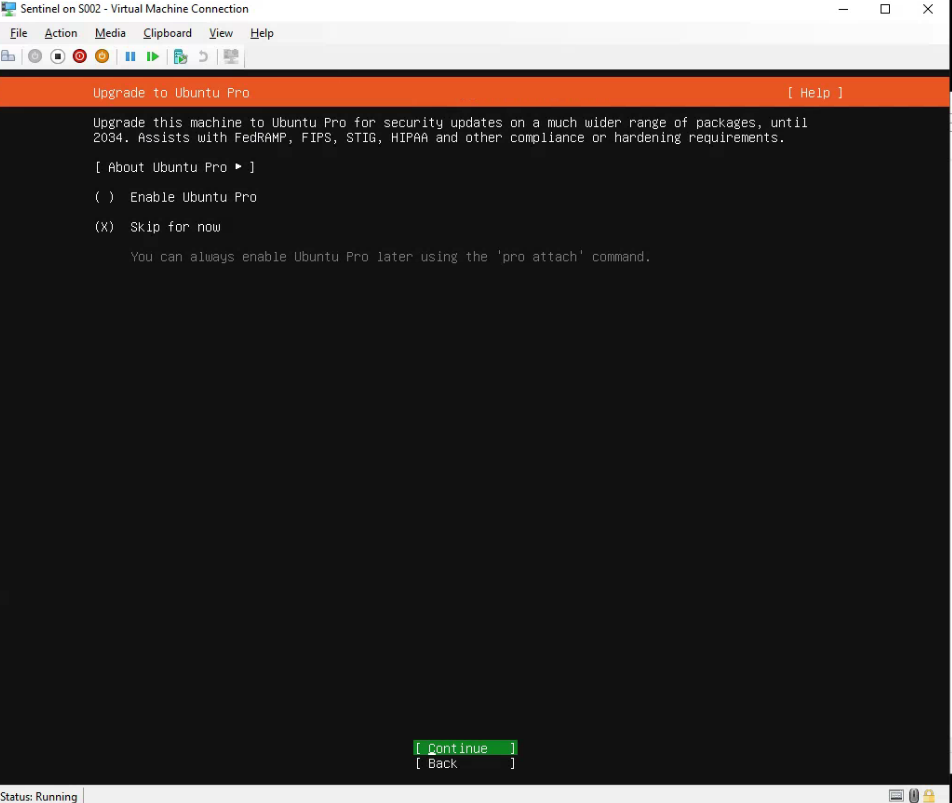
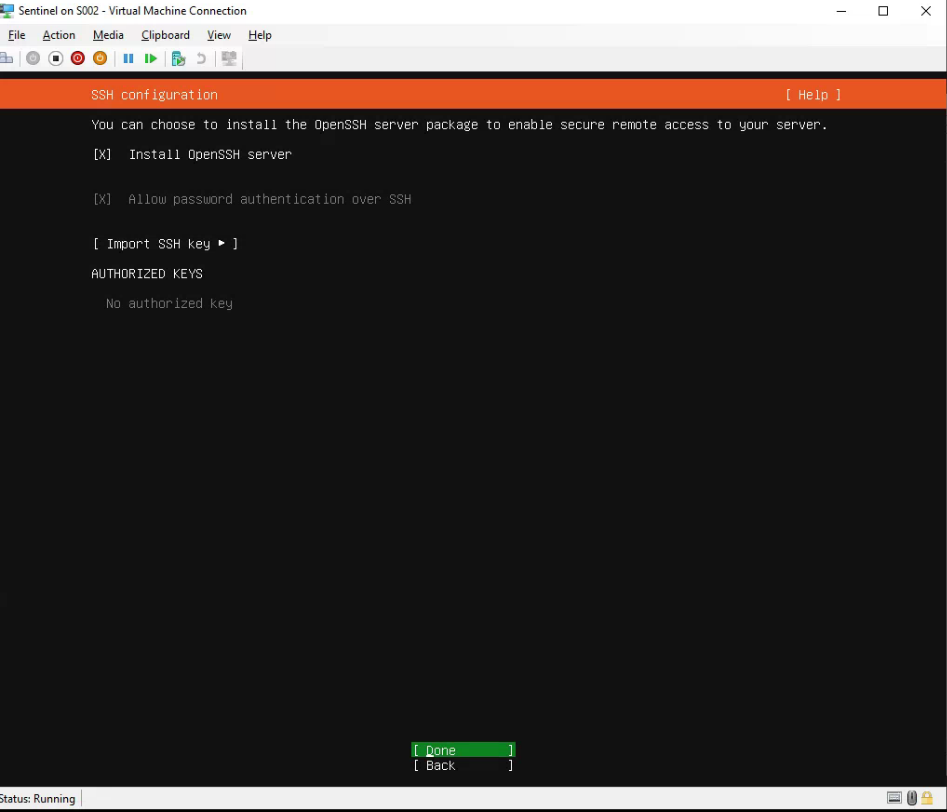
- IMPORTANT - MAKE SURE SSH SERVER IS CHECKED
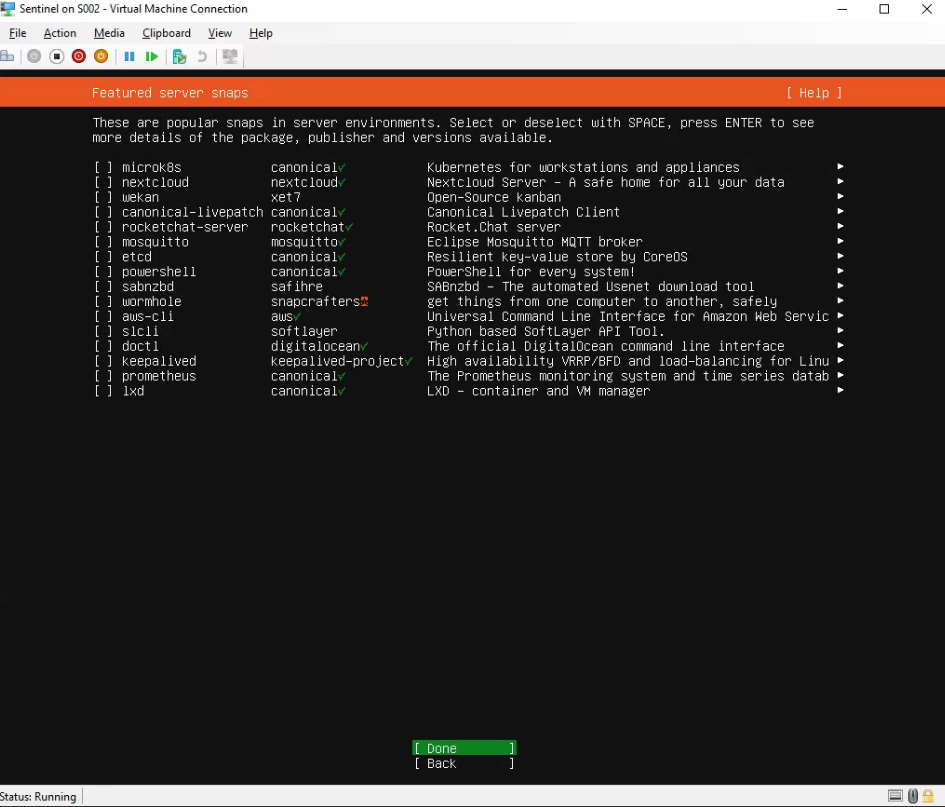
- Leave all blank and hit done
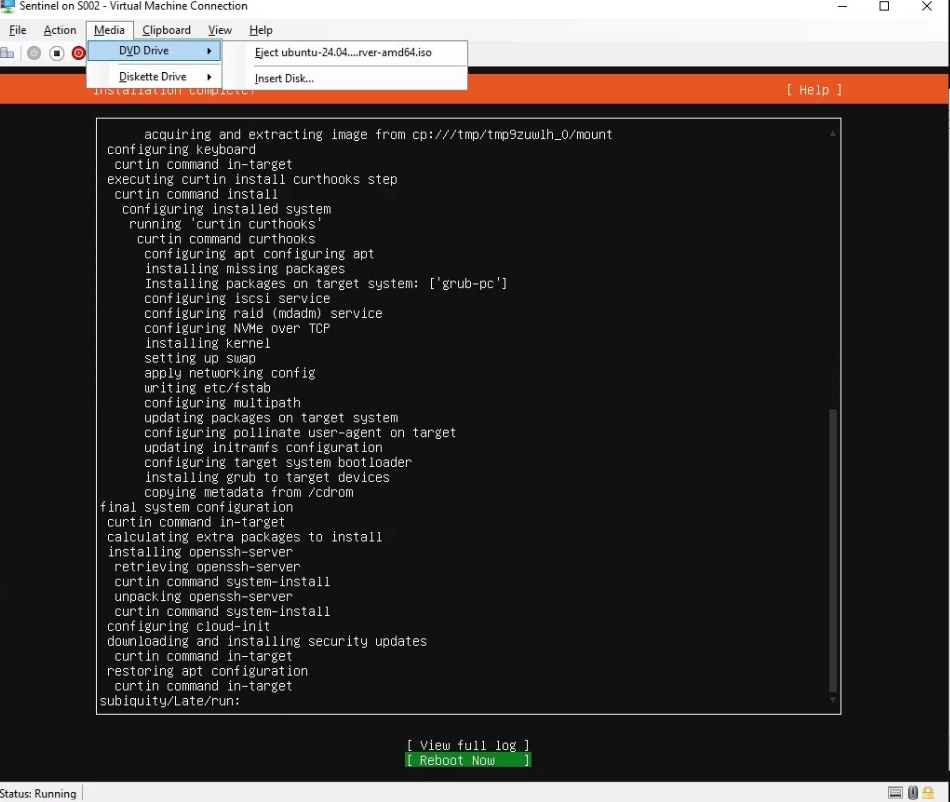
- Eject ISO and reboot
Was this article helpful?
That’s Great!
Thank you for your feedback
Sorry! We couldn't be helpful
Thank you for your feedback
Feedback sent
We appreciate your effort and will try to fix the article