Office 365
Login to their O365 Exchange Admin
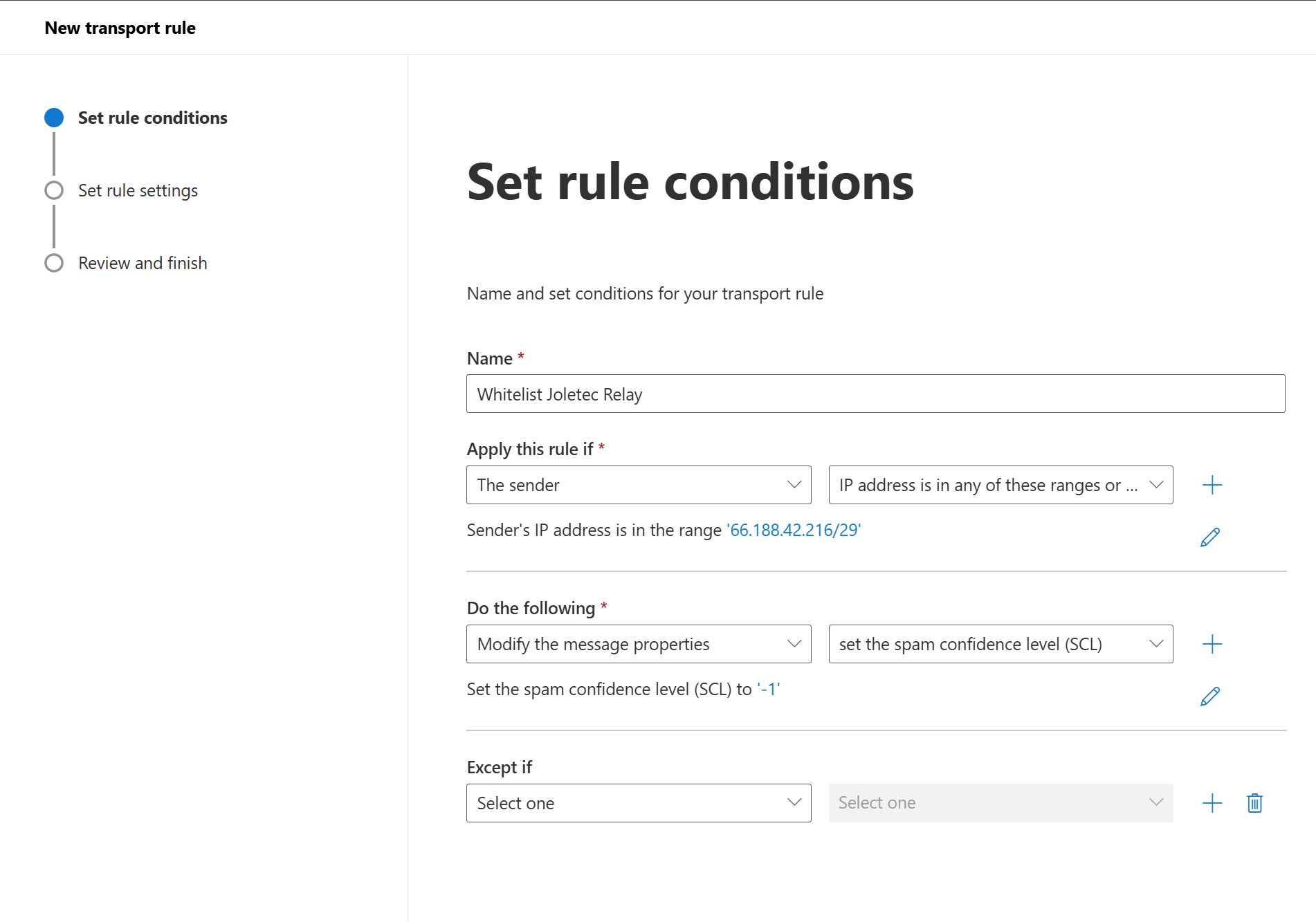
Mail Flow -> Rules -> Create new rule with these value.
Name: Whitelist Joletec Relay
IP Address: 66.188.42.216/29
Set the spamconfidence level (SCL) to: Bypasss or -1
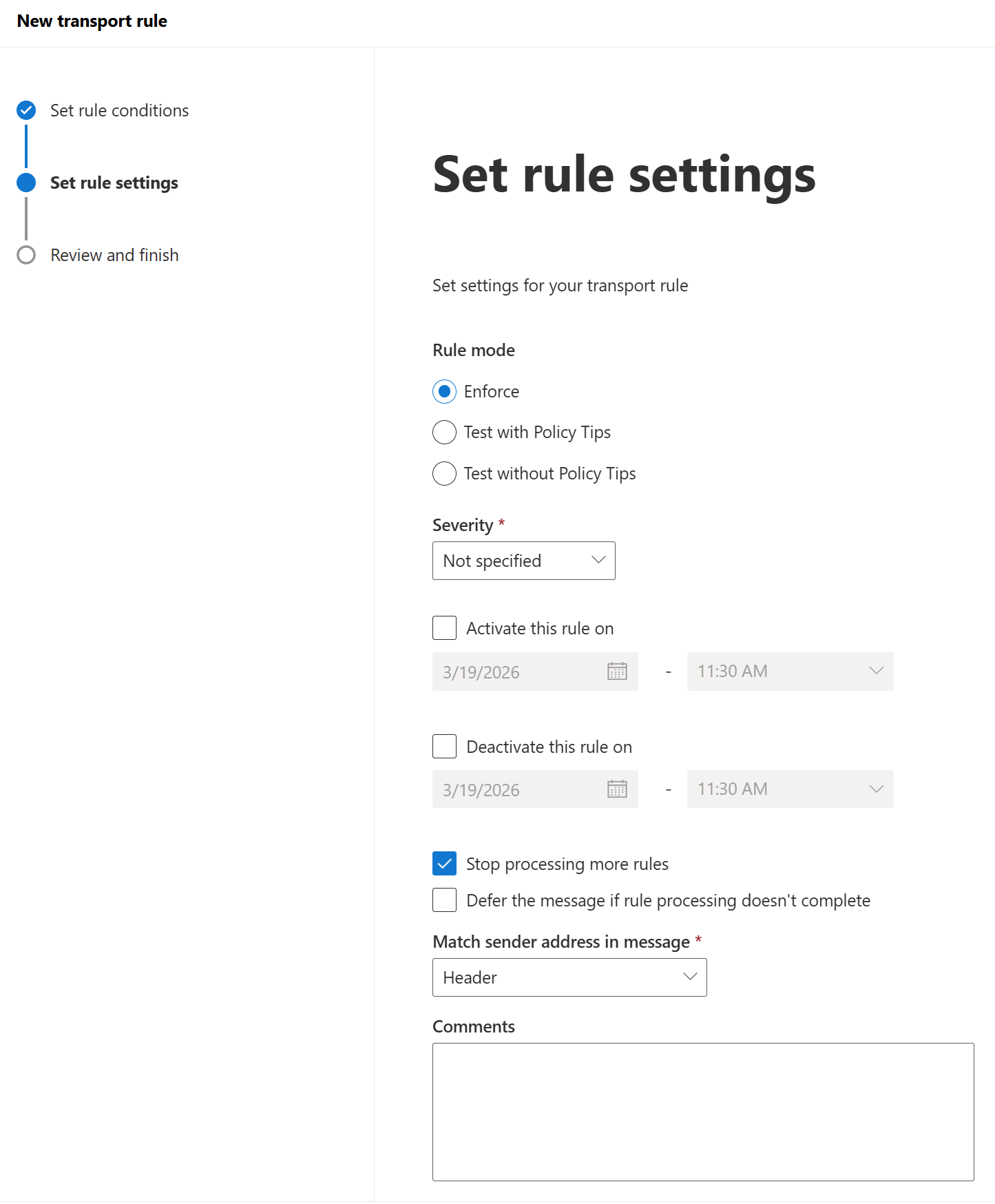
Rule mode: Enforce
Stop Processing more rules
Finish
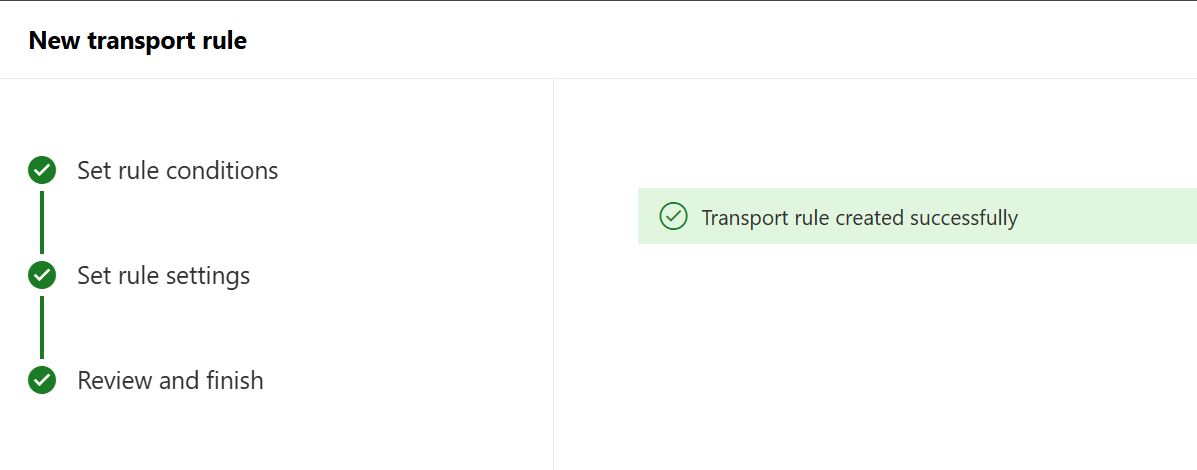
The Rule will be created Disabled, Click on the Disabled under the status and the toggle it to Enabled
Was this article helpful?
That’s Great!
Thank you for your feedback
Sorry! We couldn't be helpful
Thank you for your feedback
Feedback sent
We appreciate your effort and will try to fix the article